
LOCAL SERVER CONTROL
Run a Minecraft server
without a terminal.
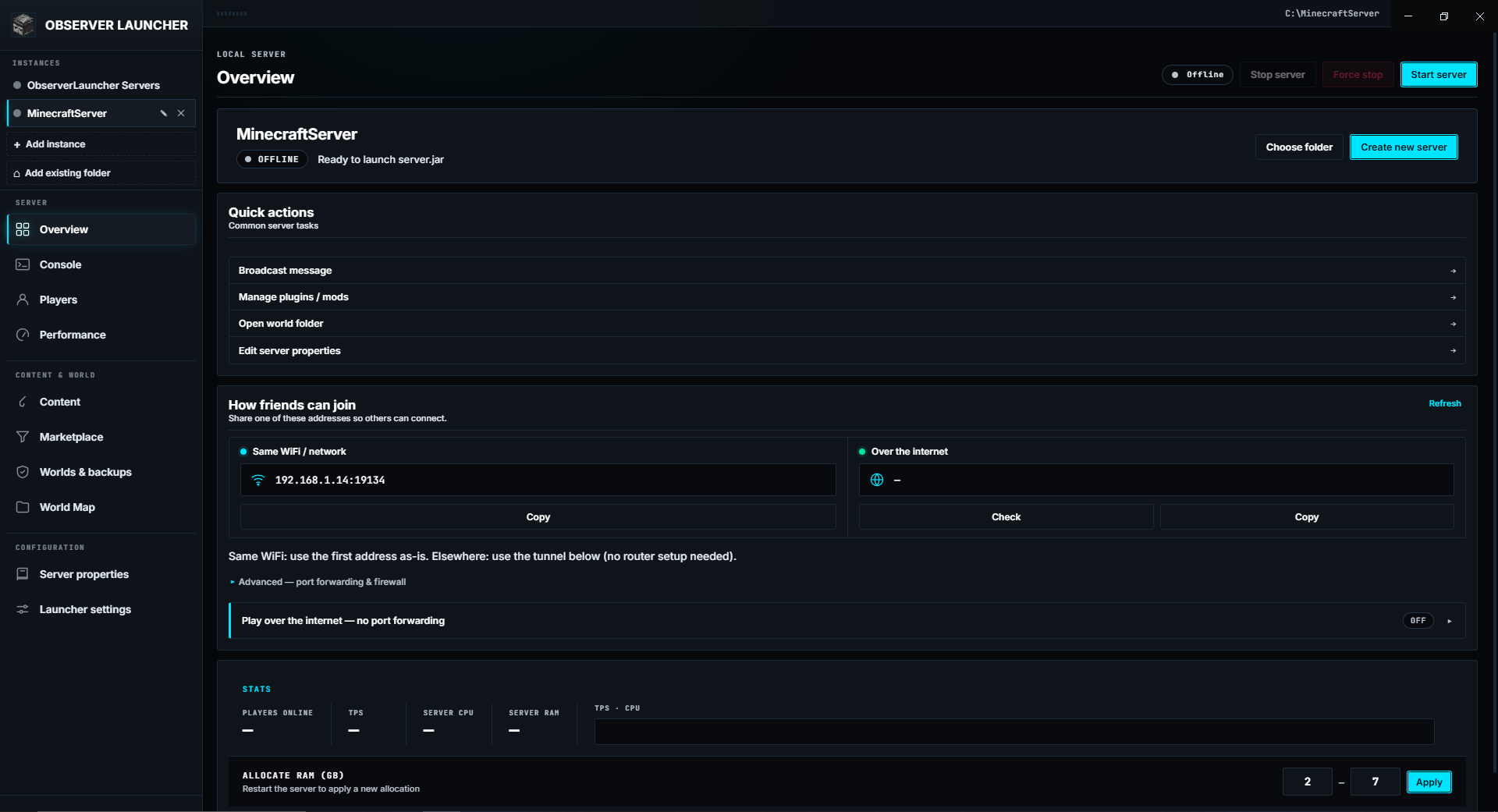
ObserverLauncher downloads the server software, installs Java, edits the config, opens the firewall and backs up your worlds. You pick a folder, choose a server type, and press Start. Everything runs on your own machine.
- No account
- No cloud
- No telemetry
- Windows & Linux
THE IDEA
A control panel, not a hosting service.
Most people who want to host a Minecraft server for a few friends hit the same wall: a wall of terminal commands, a Java version that does not match, a firewall port that is closed, and a config file that breaks the server on the first run.
ObserverLauncher does that work for you, on your own computer. There is no account to create and no server in the cloud. When you close the app, nothing keeps running.
CAPABILITIES
Everything the setup needs.
Since 1.0.0 the project favours stability and polish over new features.
HOW IT WORKS
Three steps to a running server.
- 01Pick a folder
Choose an empty folder, or let the launcher suggest one under Documents. It never overwrites an existing server jar.
- 02Choose software & version
Pick from ten server types and a live version list. Java is detected, and installed automatically if it is missing.
- 03Press Start
The launcher downloads the jar, writes the config, opens the firewall when you ask, and starts the server. Watch it live in the Console.
GALLERY
The whole app, on your screen.
Real screenshots — no mock-ups. Every panel below is part of the launcher.
COMPATIBILITY
Ten server types, one window.
Version lists are loaded live from each project's API — new Minecraft releases appear without an app update.
REQUIREMENTS
Light enough for a laptop.
No admin rights are needed. Java installs into your user folder, and elevation is requested only to open the Windows Firewall for a port.
LANGUAGES
Seven languages, fully translated.
MCP / AI INTEGRATION
Let an AI run the boring parts.
ObserverLauncher can act as an MCP server, so an AI client reads and controls your server in natural language — 70 tools, exposed only on 127.0.0.1 with a fresh token each launch.
- Server Doctor — diagnose, analyse the console, explain a crash, check TPS.
- Modpack builder — search the marketplace, plan exact versions, install in one confirmation.
- Composite workflows — prepare_and_start, safe_restart, and a full health report in one call.
- Config & network — validate server.properties, test the port, read the world and player files.
- Content control — install, list, enable or remove plugins, mods and datapacks.
- Every write and destroy call is written to an audit log the AI can read back.
DATA & PRIVACY
Nothing leaves your machine.
There is nothing to sign up for and no login.
No analytics, no usage statistics, no crash reporting.
Your world, configs and player data never leave the PC.
Jars come from Mojang, PaperMC, Purpur, Leaf, Fabric and Forge. Mods from Modrinth, Hangar and SpigotMC.
HONEST LIMITS
What it does not do.
No tool is perfect. Here is exactly where ObserverLauncher stops.
OPEN SOURCE
Apache-2.0, no bundler, plain scripts.
The renderer is classic scripts in numeric load order, the backend is plain side-effect-free modules, and the MCP bridge runs on its own binary. Read the code, file an issue, or send a pull request.
DOWNLOAD
Get it and press Start.
Auto-update is built in for the installer and the AppImage. No admin rights needed.
git clone https://github.com/Kag4286/ObserverLauncher
npm install && npm start